The Facebook Image Quality 'Myth'!
Nov 26, 2025We’ve all heard photographers complaining about Facebook or Instagram killing the quality of their photos. I have good news: this is a total myth!
Almost all photographers from beginner to professional use Social Media to share images. We’ve all heard photographers complaining about the dreadful quality of their images and feel that their masterpieces are not getting the number of pixels they deserve, to be shown in all their glory.
In this article I will explain why this is totally untrue, where this myth comes from and how to maximise the quality of your photos for Facebook and Instagram.
Let's be logical about it...
These are THE most successful social networking platforms on the planet. They are also the most widely used platforms for sharing professional photos, which s is good news for Mr Zuckerberg and Co. as it means a limitless supply of high quality content.
The last thing they would want to do is to make these images soft, compressed or pixelated as this would harm the perceived quality of the whole platform, reduce advert revenue and everything else.
So on that basis alone, Meta affecting images negatively, in any substantive, way would clearly be crazy.
How do they store images then?
Facebook and instagram are, fundamentally, huge databases with countless posts, images, videos all being added by billions of people every day. All this content needs to be retrieved immediately, so the images are not stored in a big folder at Meta HQ as we would do on our machines, but instead they are inserted into a database, distributed around the world to be more readily available locally for instant access. For the geeks, this uses a Content Delivery Network. More details on CDNs here.
Images won't even get stored as JPEGs given that this technology is 20 years old and more modern algorithms do a much better job. So why does JPEG hang around? Because everyone uses it, simple as that. But if you don’t need to worry about compatibility (as is the case in an internal Meta database) then you can use whatever technology you want.
In fact, the only time Facebook will even use JPEG is when you ‘download’ an image from Facebook. Then all that happens is the internal (smarter) format is converted into a .jpeg image file that you can use.
Have you noticed that the filename of a downloaded file is nothing like the filename you uploaded? That’s because it’s not the file uploaded - it’s been generated ‘on the fly’!
This is important: there is no magic resolution or quality setting that will mean your images are not touched. They are getting manipulated, processed, resized and compressed every time. BUT - what you get out will be virtually the same quality as the image you put in. If it looks pixelated, then that’s what you uploaded. Every time. Sorry about that!
How are the images manipulated at Meta HQ?
So let's look at what happens to your images when you upload them.
Firstly, for those at the back, some definitions:
-
Re-size. Change the resolution by making the image smaller or bigger in pixel size. We generally make images smaller for electronic use because you do not need the full size. But even as a digital image, if the size is reduced too much you can see pixels in the image. It’s not usually a good idea to increase image size as you do not gain anything - you can’t create image detail which does not exist. You can use AI tools to do this, but that's creating new details, not the original ones.
-
Compress. Use an algorithm, like JPEG, to reduce not the size but the amount of data the image takes up in bytes. This saves storage space and makes images load quickly, but can produce unwanted artefacts when done to the extreme.
Good Enough
Facebook and Instagram WILL resize AND compress your images. A lot. But the boffins in San José write the algorithms so the the images are still ‘Good Enough’.
What does this mean. exactly? Well, there is no strict definition, but it means that the image is acceptably similar in quality to the original, when viewed at the resolution Facebook will deliver the image at. So, in summary, in a Facebook post, it will look about the same as the original. ‘Good Enough’ does not mean ‘identical’ it means that for most purposes, they are the same.
For example, an MP3 audio file only contains about 10% of the original track, which is why they are so small - but to every person using Apple Music or other Streaming service they are the ‘Good Enough’ to sound the same.
Good Enough: Image Size
Meta displays images at a maximum of 2048 pixels .Therefore, the image can be reduced to about 2048 pixels on the longest edge, and still look identical to the original. In this case, 2048px is ‘good enough’ as larger images will simply take up more space in the database and take longer to load with no additional benefit.
Multiple Versions: Facebook will actually create multiple versions of your image (similar to website platforms like Squarespace, Wix, and WordPress) so that it can serve the version that’s ‘good enough’ for each device. If you are on a lower-resolution smartphone then you receive smaller images than you do on a Retina display. Another reason the low-quality version might be sent to your device is because you are on a slow internet connection. If that slow connection is really impacting your use of the service, Facebook may send you images that are quicker to load, then resort back to better ones when things improve (a bit like YouTube or Netflix does).
Good Enough: Image Compression:
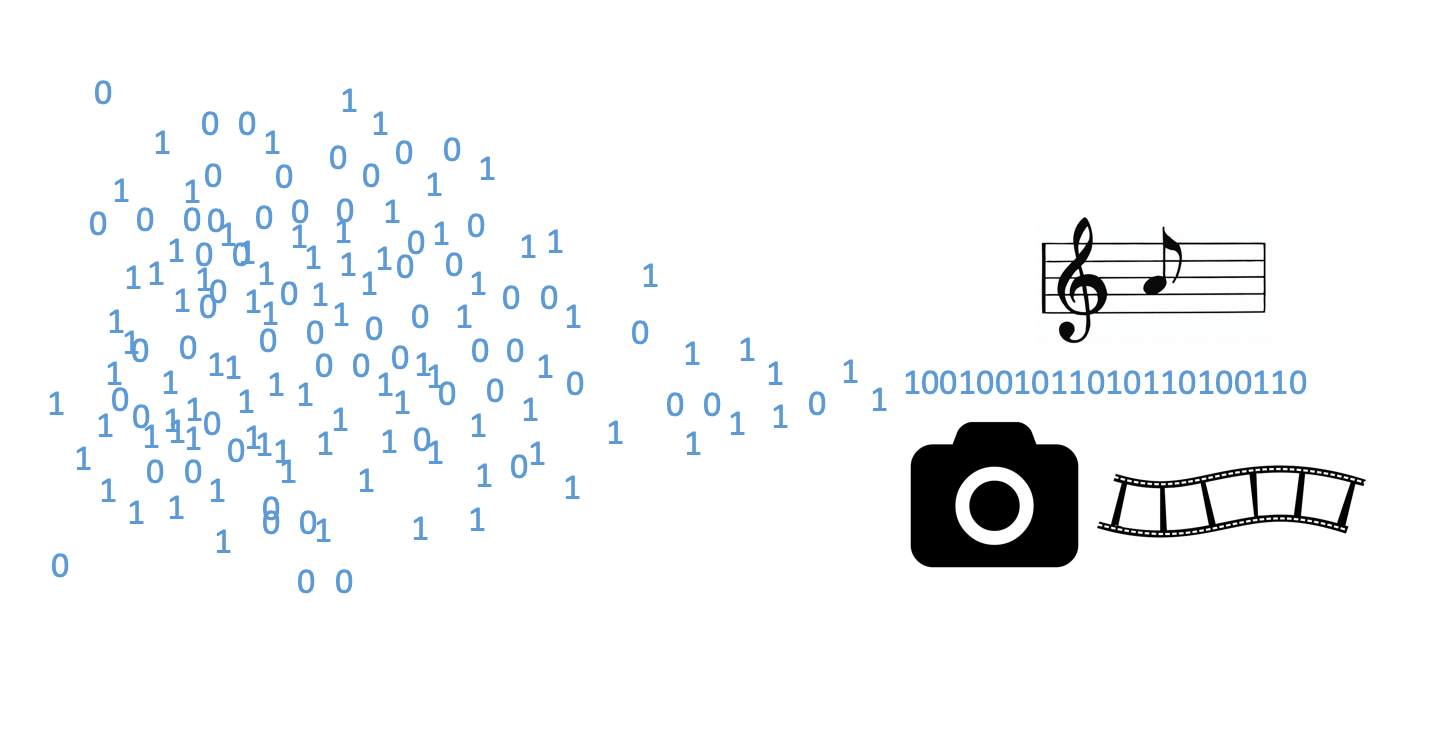
JPEG has a compression amount built right into the algorithm. You are using it if you change the Image Quality when you export from your image editing app. You end up with a smaller file, that looks about the same.
Meta WILL compress the images HARD when you upload to minimise storage space and delivery speed, but again the quality will still be ‘Good Enough’.
By combining these two techniques, Facebook will probably be using up less than 1% of the data that a full size JPEG needs and it looks the same on our devices. Pretty clever really.
OK Smartass! Why do my images look bad on Facebook?
In ALL cases where I have investigated claims around this, one of the following things is happening. Every time - usually number 3!:
-
The image was viewed a second or two after upload. Remember above I mentioned that various versions of the image are created for different devices. This is a common trick in the image and video world (YouTube SD videos are ready a minute or so before the HD equivalents). The lower resolution ones will be ready first and so if you look right away before the others have been generated, then you will see the version that is NOT ‘good enough’. Wait 10 seconds and it will be fine.
-
You saved the image on a lower res device. This is linked to the above point. If you view your image on a smaller screen device and save the JPEG to inspect it, then of course you will be looking at a lower resolution version than if you’d done the same thing on your computer.
-
You are zooming-in and seeing pixelated areas. The algorithms and 'good enough' quality is based on viewing at the size that the platform delivers it. Yes, if you download and inspect (or pinch and zoom) the image, it will be lower quality. But this is not a fair test as you will not seen this degraded detail in normal viewing. 99% of users (i.e. non-photographers) would never do this. The algorithm is tuned to only degrade the things you can’t see.
-
The original image size or quality. If you provide an image that’s small in pixels or data then Facebook can not really be blamed for it looking bad.
-
The image is being viewed on a lower resolution device, or on a slow internet connection. Both these circumstances mean that the image that Meta sends you might be one of the lower quality versions. I have never seen this personally, but it seems likely that this could happen.
How to upload images to be viewed perfectly on Facebook and Instagram:
All your images uploaded WILL be processed. They will be reduced in size, and compressed. But follow these steps and they will look the same as the original.
-
Resolution: As long as it’s over a certain size, this does not matter. There is no magic size that will not get processed. However, if it’s smaller than 2048 then your image will be upsized by Facebook which will cause loss of sharpness. Upload at 2048 or larger, even full size is fine.
-
Quality: Leave quality high. This ensures the JPEG that goes into the Facebook processing machine is as good as it can be. Compressing an image twice is usually not a good idea, unless you are using something like JpegMini that is designed to do just that.
This will give you perfectly good quality in all normal posting circumstances and will fix any of the problems you may have had. Guaranteed.
A word on compression tools…
They are not all the same:
-
JPEG: Built into most of our workflows. General-purpose, gives good results in normal-high quality, but poor images result when pushed too hard.
-
TinyPNG: Online tool. This tool and those like it are brilliant for reducing the size of images for your website. It is an aggressive algorithm but does a MUCH better job than JPEG alone. You put in a JPEG (or PNG) and it will take it down to a fifth or a tenth of the size while still looking perfectly acceptable for a website. You wouldn't want to ship them like this to a client, but that’s not what this tool is about. It’s all about creating a fast website, which is a key factor in improved SEO.
-
JpegMini: Brilliant tool for all of your workflow. Jpeg Mini has a clever algorithm that can take a JPEG and take it to about half the original size. The benefit here is that it will be totally indistinguishable from the original, so it’s great even before sending images for printing. I use this on every image I export from Lightroom for the web, for print or for clients. Total no-brainer.
Don't take my word for it...
I verify the above, I designed a test that uses screenshots of an image at various stages of the process. The screenshot resolution is 2048px wide as that is the size that Facebook displays my image on my iMac display.
The reason I have used screenshots, not the actual images is because we want to guarantee a fair test. We have to test what is visible to our eyes, and a screenshot is the closest we can get. If we use the source images, then we are not creating a fair test, we would just be proving that higher resolution images are better quality, which is obvious.
Test Process
-
Export 6016px and 2048px versions of the same image from Lightroom, at 90% Quality. These will be our source images
-
Upload both to Facebook in the same post and view them
-
Take a screenshot of each image as displayed by Facebook (2048px)
-
Go back to our source images and display them both at the same resolution as Facebook uses 2048px.
-
Take a screenshot of the source images at this display resolution.
So we can now do a fair comparison of how the image 'looks' before and after being uploaded to Facebook.
-
From steps 3 we have the source images, displayed at the same size as Facebook. These are the images that people often say are ‘better’ than Facebook’s versions of them.
-
From step 5 we have those two images, uploaded to Facebook, re-presented and screenshots taken again. These are the images that people often say are ‘terrible’ due to Facebook’s processing.
This article made the hypothesis that Facebook does NOT significantly reduce the quality of the images and that the Facebook versions would be ‘Good Enough’ compared to the originals. You decide:
Test Results
Large Resolution Images
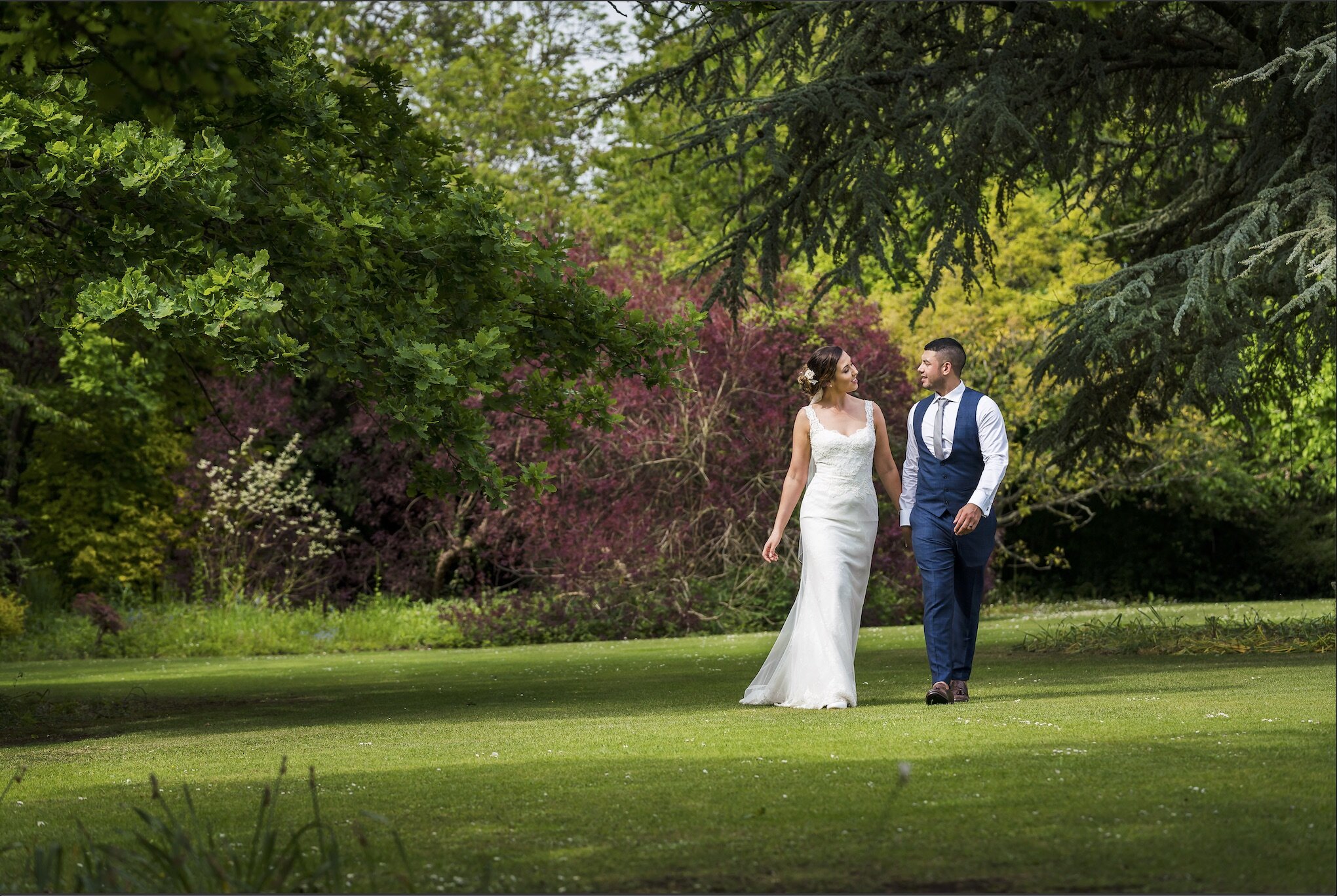
Original 6016px image, displayed at 2048px
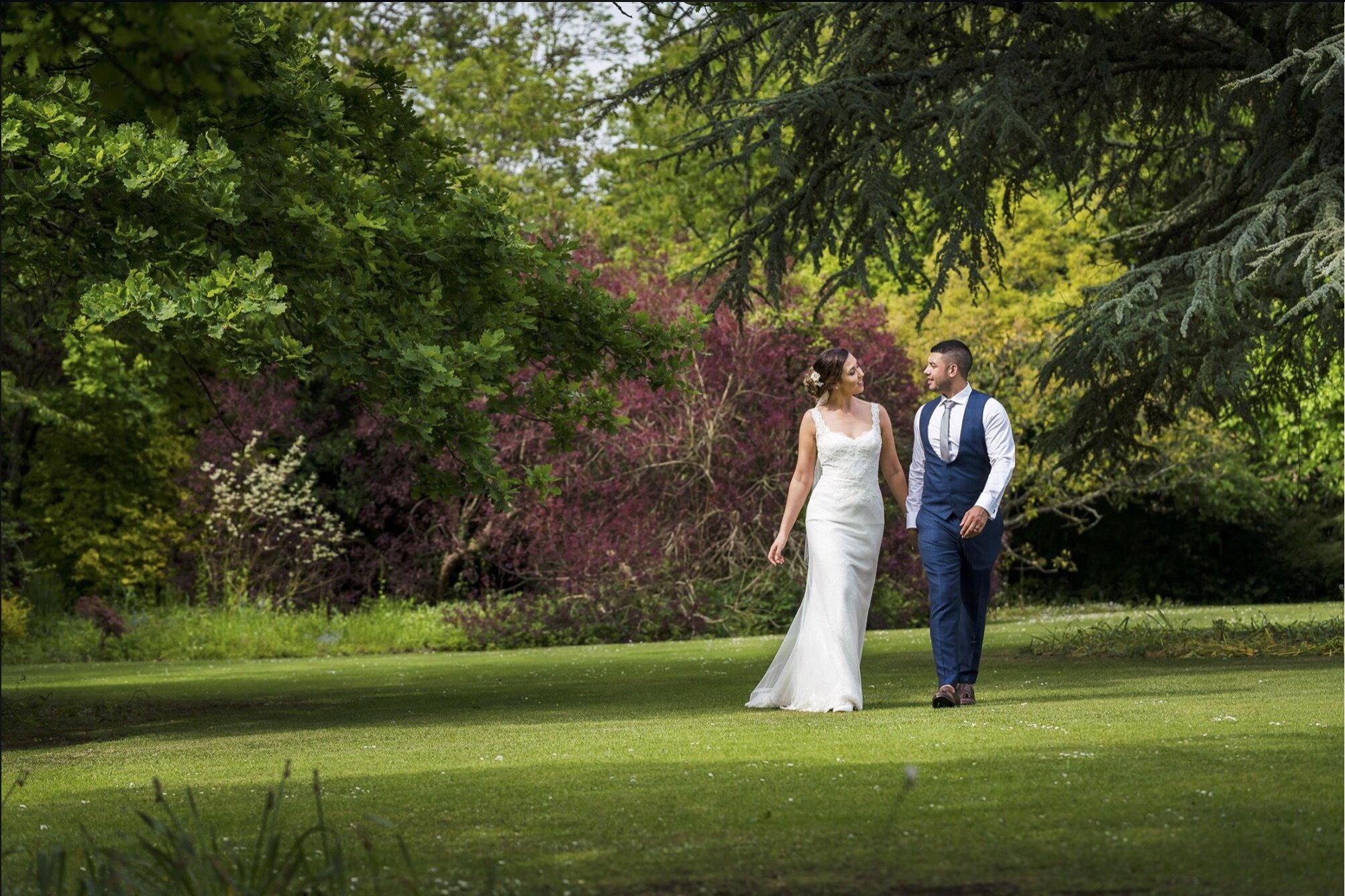
Original 6016px image as presented by Facebook, displayed at 2048px
Lower Resolution Images
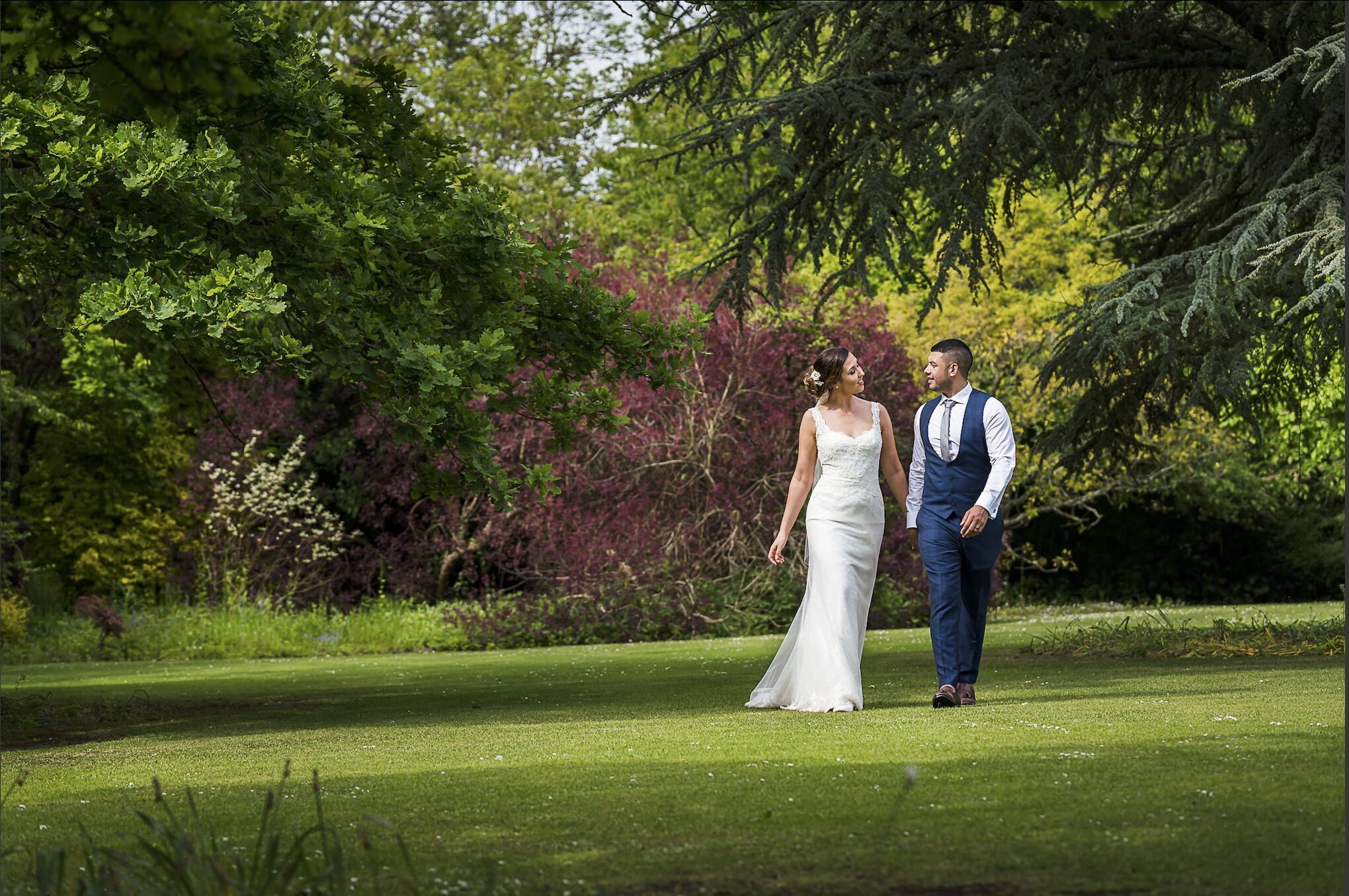
Original 2048px image, displayed at 2048px
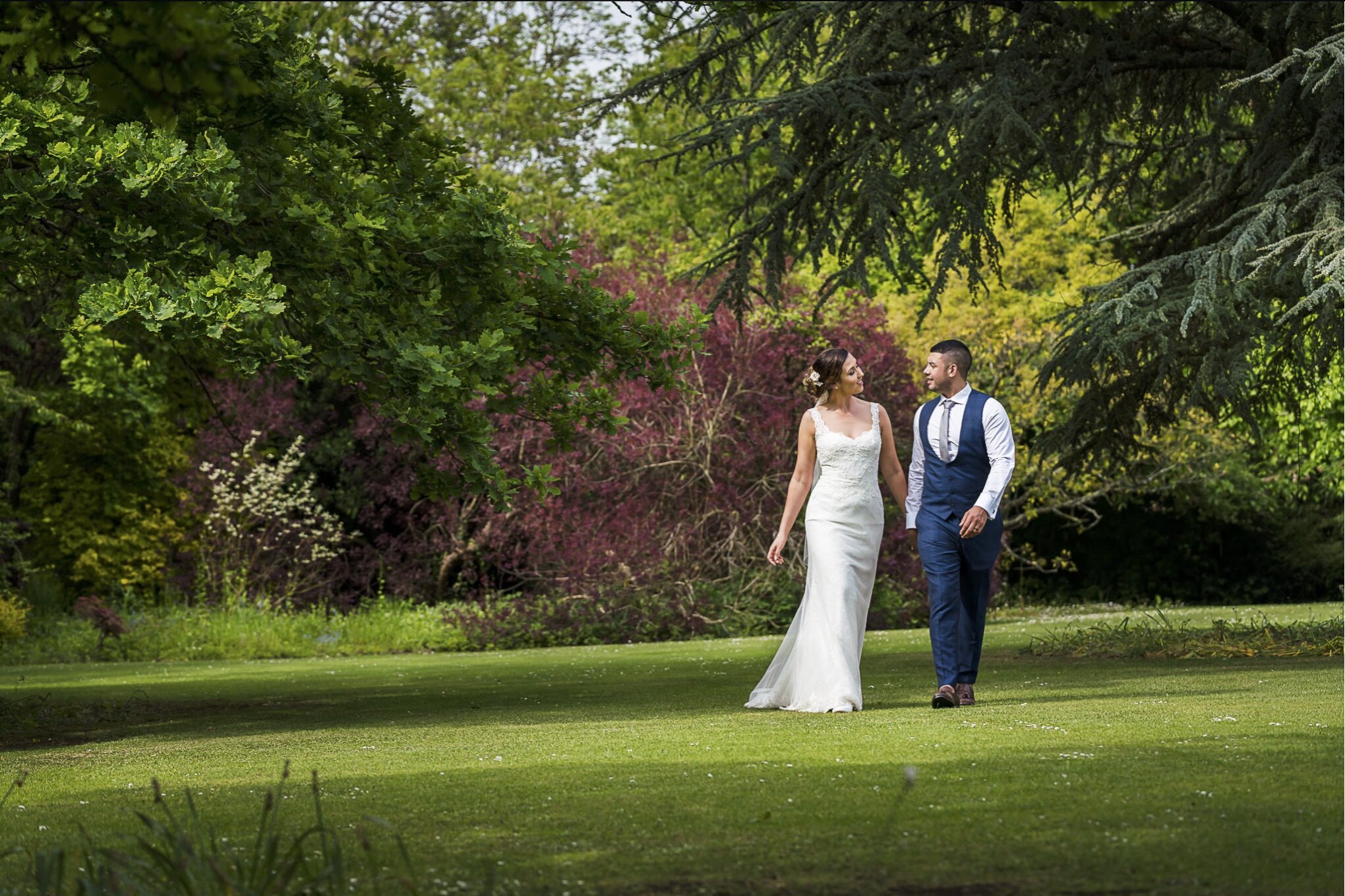
Original 2048px image as presented by Facebook, displayed at 2048px
Results analysis
Of course the problem with a subjective test like this is that there is no right or wrong answer. My viewing of these images backs up everything above:
-
That Facebook does reduce the quality and resolution, BUT that this reduction in visible quality is very small. Yes, Facebook's images are slightly softer than the originals, but not by a meaningful amount for the vast majority of people viewing them.
-
That resolution does not matter as long as it’s over 2048px wide
Yes we can see a difference between the original and the Facebook, version, but only when viewing one after the other. You have to ask yourself: are the images on the right acceptable quality for the purpose that they are being used for, assuming that’s all the viewer sees? Absolutely, and therefore I say these are ‘good enough’.
Above all, whichever way you view the results , what is 100% proven by this test is that if your images are blurry, pixelated with incorrect colours on Facebook, then something is going wrong in how you export or upload images.
Summary
Facebook is NOT screwing with your images, it does clever things with them to make them small and fast to load, but they will not be significantly reduced in quality. They’re changed a bit yes, but not to the point that people will notice. To keep to your side of the bargain, export at something larger than 2048px wide, and at a high JPEG quality.
That’s it. If you do this you will never blame Facebook again. I promise:-)
Did you find this article useful? There's much more!
Simply sign up for our FREE 'Kickstarter' Membership Tier, which means immediate access to members-only educational content as well as access to the community channels. All at no cost!
The Nick Church Creative Academy is THE best partner for your journey!
Your privacy is paramount, and your details will never be shared