The Facebook 'Image Quality' Myth
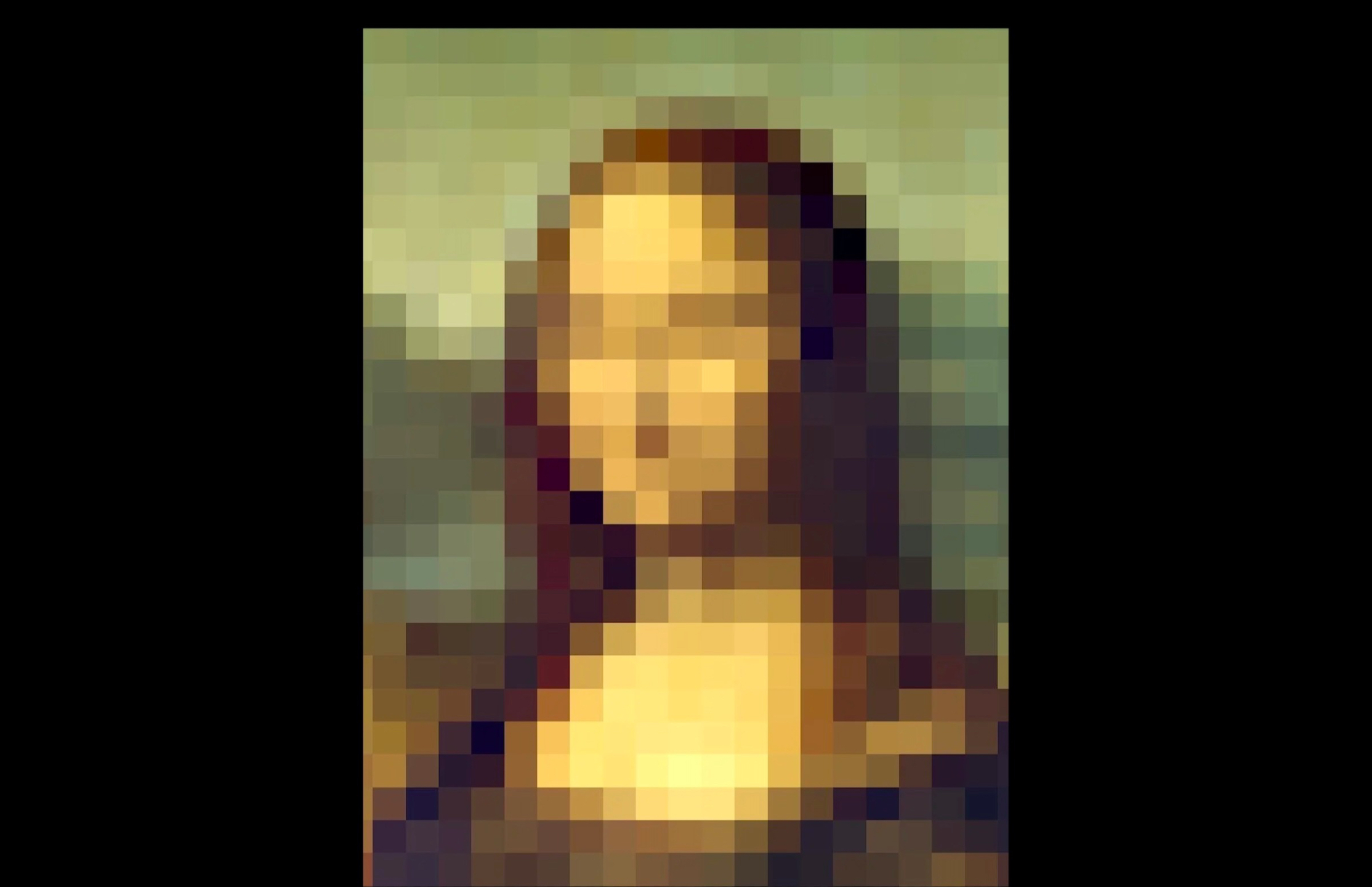
We’ve all heard photographers complaining about Facebook or Instagram killing the quality of their photos. I have good news: this is a total myth!
Almost all photographers from beginner to professional use Social Media to share images. We’ve all heard photographers complaining about the dreadful quality of their images and feel that their masterpieces are not getting the number of pixels they deserve, to be shown in all their glory.
In this article I will explain why this is totally untrue, where this myth comes from and how to maximise the quality of your photos for Facebook and Instagram. You don't need to take my opinion, for those that like some concrete tests, there are my test results at the end so you can see for yourself.
Let's be logical about it...
These are THE most successful social networking platforms on the planet. They are also the most widely used platforms for sharing professional photos, which s is good news for Mr Zuckerberg and Co. as it means a limitless supply of high quality content.
The last thing they would want to do is to make these images soft, compressed or pixelated as this would harm the perceived quality of the whole platform, reduce advert revenue and everything else.
So on that basis alone, Meta affecting images negatively, in any substantive, way would clearly be crazy.
How do they store images then?
Images uploaded to Facebook or Instagram won't even get stored as JPEGs given that this technology is 20 years old and more modern algorithms do a much better job. So why does JPEG hang around? Because everyone uses it, simple as that. But if you don’t need to worry about compatibility (as is the case in an internal Meta database) then you can use whatever technology you want.
In fact, the only time Facebook will even use JPEG is when you ‘download’ an image from Facebook. Then all that happens is the internal (smarter) format is converted into a .jpeg image file that you can use.
Have you noticed that the filename of a downloaded file is nothing like the filename you uploaded? That’s because it’s not the file uploaded - it’s been generated ‘on the fly’!
This is important: there is no magic resolution or quality setting that will mean your images are not touched. They are getting manipulated, processed, resized and compressed every time. BUT - what you get out will be virtually the same quality as the image you put in. If it looks pixelated, then that’s what you uploaded. Every time. Sorry about that!
How to upload images to be viewed perfectly on Facebook and Instagram:
All your images uploaded WILL be processed. They will be reduced in size, and compressed. But follow these steps and they will look the same as the original:
Continue reading...
Please enter your name and a valid email address to view the full article
Your privacy is paramount
